
Indian TV device setup
Smart TV, Firestick or Android TV: Which Should You Use?
Published · Updated · 9 min read · By the DREXTV INDIA editorial team
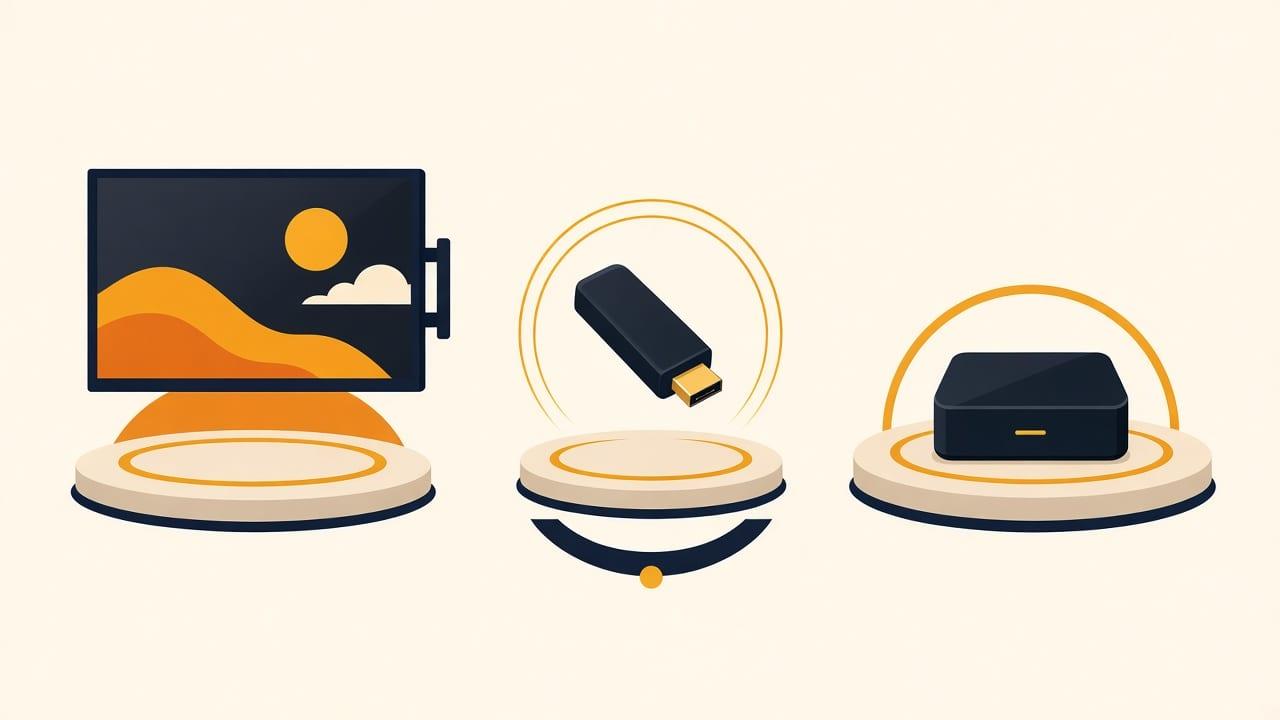
For Indian TV abroad: if the television is a recent Smart TV, try that first — it needs no extra hardware. If it is older, not smart, or unsupported, a Firestick is the cheapest reliable fix. An Android TV box is worth it mainly if you already have one or watch long channel lists. We do not sell hardware. Check the model, then see [devices](/devices) and [Firestick Indian TV abroad](/devices/firestick).
This is the question we get asked most often, usually phrased as "what do I need to buy?" The honest answer is that a lot of people do not need to buy anything, and some people are about to buy the wrong thing.
Here is how the three options actually compare, including where each one is a poor choice.
Once you know the device, the viewing options themselves are in how to watch Indian TV in Europe. Device and country articles are collected on the blog.
Start by checking what you already have
Before buying any hardware, find out what your television actually is. If its home screen shows a Google Play Store and asked you for a Google account when you set it up, it is running Android TV or Google TV — and you already have the best of the three options. Sony, Philips, TCL and Hisense sets commonly use it.
If it is a Samsung or LG Smart TV, it runs the manufacturer's own platform. Many are supported, but it varies by model year and older sets are frequently limited. This is worth checking rather than assuming in either direction.
If it is not a Smart TV at all, or it is more than about six years old, plan on a Fire TV Stick.
Smart TV: simplest, least predictable
The appeal is obvious. No extra box, no second remote, no HDMI input to switch to. For older family members in particular, that simplicity is not a small thing — it is the difference between using the service daily and giving up on it.
The drawback is inconsistency. Every manufacturer runs a different platform, support differs across model years, and closed app stores limit what can be installed. It is also the hardest category for any provider to support, because no two sets behave the same.
Our advice is to check your specific make and model before subscribing rather than after.
Fire TV Stick: cheapest, most consistent
The Fire TV Stick has become the default for Indian households abroad and the reasoning is sound. It costs very little, it is sold everywhere, it works with any television that has an HDMI port including sets from well over a decade ago, and crucially it behaves identically for everyone.
That last point is underrated. When something goes wrong on a Fire TV Stick, we can help you quickly because we know exactly what you are looking at. On an unfamiliar Smart TV platform, troubleshooting is slower for both of us.
It also unplugs and travels, which suits renters who move frequently. We do not sell them and you should not buy a preconfigured one at a premium — any ordinary retailer will do.
Android TV box: best experience, only if you need it
An Android TV box generally feels fastest to use, particularly if you spend time moving around a long channel list rather than watching the same three things. It offers more control over player settings than a closed Smart TV platform allows.
Two warnings. First, if your television already runs Android TV or Google TV, buying a box is usually wasted money — check before ordering. Second, very cheap unbranded Android boxes vary wildly in quality and are a common source of playback problems. The saving over a recognised brand is small and not worth it.
One thing that matters more than the device
Wi-Fi signal strength where the television sits is a more frequent cause of buffering than either the device or your broadband speed. A 500 Mbps connection is no help if the router is two floors away from the TV.
Before blaming hardware, check what signal the television is actually getting. Moving the router, or using a wired connection where possible, resolves a large share of playback problems on any device.
When a phone or laptop is the right first device
Students, shared housing, Gulf labour accommodation and anyone in a furnished let often have no television worth talking about. A phone or a laptop is not a compromise in that situation. It is the product. The same subscription later signs in on a Fire TV Stick when the housing changes.
On a phone, start at a lower stream quality, especially on mobile data. On a laptop, a wired connection is more stable than Wi-Fi at the far end of a house. Neither device needs a dish, an engineer, or landlord permission. Setup instructions are sent after you subscribe rather than published as a generic IPTV walkthrough.
Remotes, HDMI ports, and older family members
A second remote is a small thing until the main viewer is a grandparent. If the television already works as a Smart TV, keep it that way. If you add a Fire TV Stick, expect to teach one extra input and one extra remote once, then leave the stick in the HDMI port.
We do not sell hardware. Buy a current Fire TV Stick from an ordinary retailer. Do not pay extra for a stick that claims to be preconfigured. Cheap unbranded Android boxes are a common source of playback problems; the saving is small. Simultaneous streams are unpublished — if two rooms need to watch at once, ask before you assume the living-room stick and a phone can play together.
A simple order of decisions
If the television already runs Android TV or Google TV, stop. Use that. If it is a recent Samsung or LG, ask us the model before buying a stick. If it is old, or not smart, buy a current Fire TV Stick from a normal shop. If there is no television, use the phone or laptop you already have.
Then ask about the channels by name. Hardware will not fix a missing news feed. Catch-up is eight hours every day on every supported device. Setup steps come after you subscribe, written for the device you named, not as a public IPTV walkthrough.
Frequently asked
Do I need to buy a Fire TV Stick to watch Indian channels?
Not necessarily. If you have a recent Smart TV or a television running Android TV or Google TV, you may not need any extra hardware. Check your make and model first — a Fire TV Stick is the fix if your TV turns out not to be supported.
Which is better, a Fire TV Stick or an Android TV box?
For most people the Fire TV Stick, because it is cheaper and behaves the same for everyone, which makes support faster. An Android TV box feels better if you watch heavily and navigate long channel lists often.
Why does my stream keep buffering?
Most often it is the Wi-Fi signal where the television is located rather than your broadband speed or the device. Check the signal at the TV, try a lower stream quality, and use a wired connection if you can.
I have no television at all. What should I use?
A phone, tablet or laptop. All three are supported. A Fire TV Stick only becomes relevant when you have an HDMI television to plug it into. See Indian TV on a phone and on a computer.
Do you send setup instructions before I pay?
No. Public IPTV setup walkthroughs get reused for streams we do not provide. We confirm whether your device is supported, then send account-specific steps after you subscribe. If the set is unsupported we will say so before you pay.
The rest of the Indian TV device setup reading is collected on the DREXTV India blog.
More on Indian TV device setup — including questions that need a longer answer — is on the frequently asked questions page and in the blog.
More from the blog
Or start with the frequently asked questions if you want the short version, or browse every article on the blog.
 9 min read
How to Watch Indian TV in Europe: A Practical Guide
You can watch Indian TV in Europe over ordinary broadband — no dish. The realistic options are satellite (if you control a wall), official Indian apps (if sold in your country), or a dedicated streaming service for live channels and regional languages.
Read the guide 9 min read
Indian TV in Poland: What Viewers Should Know
Poland now has one of the fastest-growing Indian populations in Europe — around 25,500 registered Indian workers as of mid-2026, the third-largest foreign worker group in the country. Polish television carries no Indian programming, and the community's usual workarounds, satellite dishes and VPNs, both have real problems.
Read the guide 9 min read
How to Watch Hindi TV Abroad
Hindi is the easiest Indian language to find abroad and the one most households settle on, because it is usually the language everyone in the house can follow. The real difficulty is not availability but timing: Indian prime time lands in the middle of the working day across Europe and overnight in North America, which makes catch-up more important than the live schedule..
Read the guide
Have a question this did not answer?
Message us. We would rather talk you out of subscribing than have you sign up on the wrong assumption.
WhatsApp and Telegram: +971 52 434 6367. Ask us about a specific channel before you subscribe — we would rather tell you it is not carried than take your money.