
Indian TV on a Computer or Laptop
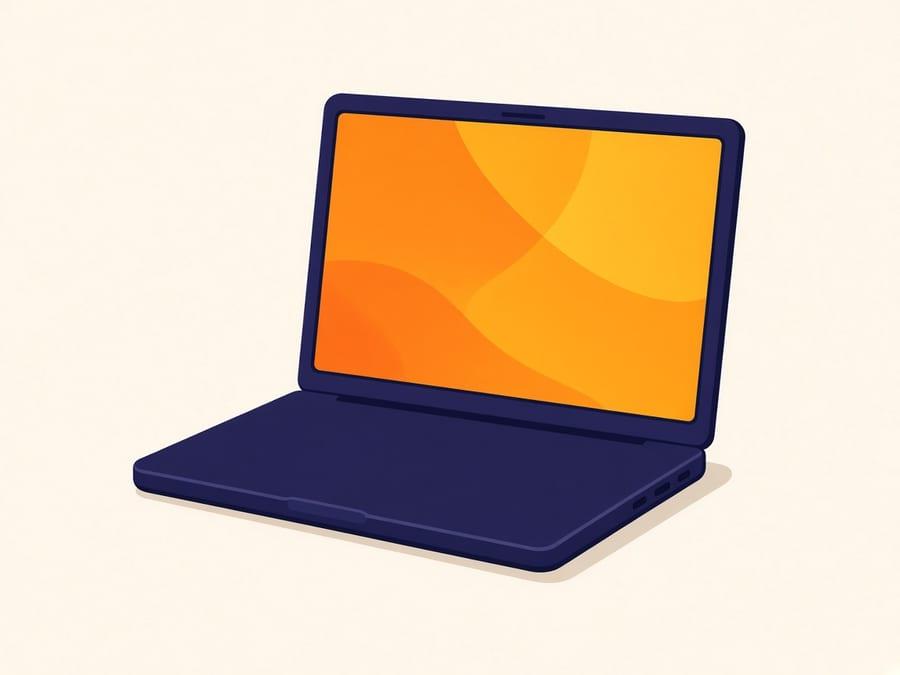
A laptop or desktop computer is a fully supported way to watch, and it is the practical choice for students and anyone living somewhere that does not have a television. It also tends to be the easiest device to test on if you want to check your connection handles live streaming before committing to a television setup.
Computers get overlooked in this category because the marketing images always show a family in front of a large television. In reality a great many Indian viewers abroad — students especially, but also people in furnished lets and short-term postings — simply do not own a TV and have no intention of buying one.
A laptop covers that properly. The screen is big enough to watch a film on, the connection is usually wired or on strong Wi-Fi, and there is no hardware to buy.
It is also the honest test device. If a live news channel plays on your laptop over the same Wi-Fi the television would use, you know the connection is capable before you buy a Fire TV Stick. If it does not, the problem is usually the signal in that room, not the service — move closer to the router before you conclude anything else.
Good choice if
- Students and anyone in accommodation without a television
- Short-term postings and furnished lets where buying a TV makes no sense
- Watching in a home office or a second room while something else is on the main screen
- Testing that your connection handles live streaming before setting up a television
Worth knowing first
- Live video on a laptop running on battery will drain it quickly. Stay plugged in for long viewing.
- A wired connection is noticeably more stable than Wi-Fi if the option is available.
- Older machines can struggle with higher-quality streams; a lower setting usually resolves it.
- If you want to watch on the television occasionally, an HDMI cable from the laptop is a perfectly reasonable stopgap.
Setup
Getting started on Computer
We do not publish step-by-step configuration guides on public pages. The exact app and settings are issued with your account, and generic IPTV setup walkthroughs tend to end up serving unlicensed streams rather than customers.
- Step 1
Subscribe and we send your account details with instructions for Windows or macOS.
- Step 2
Follow those instructions and sign in once.
- Step 3
Use a wired connection where possible, and drop the stream quality if playback is uneven.
- Step 4
The same account works on a television later if your circumstances change.
Plans
Same price on every device
6 Months
$76total for 6 months
Works out at $12.67 per month
A half-year subscription. A sensible way to start if you want to try the service across a full season of your regular shows before committing for longer.
Subscribe to 6 Months12 Months
$131total for 12 months
Works out at $10.92 per month
A full-year subscription at a lower effective monthly cost than the six-month plan. Suited to households that watch Indian television regularly all year.
Subscribe to 12 Months- Prices shown are the full amount for the whole plan length, not a monthly charge.
- Channel availability depends on what each broadcaster makes available in your region, and line-ups can change.
- The catalogue totals are what the business reports. Ask us about a specific channel before you subscribe and we will tell you whether it is carried.
Computer questions
Can I watch Indian TV channels on a laptop?
Yes. Windows laptops, MacBooks and desktop computers are all supported. We send the relevant instructions with your account details after you subscribe.
I am a student without a television. Is a laptop enough?
It is. A laptop is a perfectly normal way to use the service and requires no additional purchase. You can move to a television later without changing your subscription.
Can I connect the laptop to my TV?
Yes, an HDMI cable from the laptop to the television works and costs very little. If you find yourself doing it often, a Fire TV Stick is tidier, but there is no need to rush into buying one.
Does it work on both Windows and Mac?
Yes. Both are supported, and we send instructions appropriate to whichever you are using.
Is a browser enough, or do I need to install something?
We send the instructions with your account. They specify what to install for Windows or macOS rather than a public walkthrough — generic IPTV setup guides on websites tend to get reused for streams we do not provide. Follow what we send you after you subscribe.
More on watching on Computer — including questions that need a longer answer — is on the frequently asked questions page and in the blog.
Reading
Related guides
Longer reading on choosing hardware and on the claims worth distrusting in this market.
 9 min read
Smart TV, Firestick or Android TV: Which Should You Use?
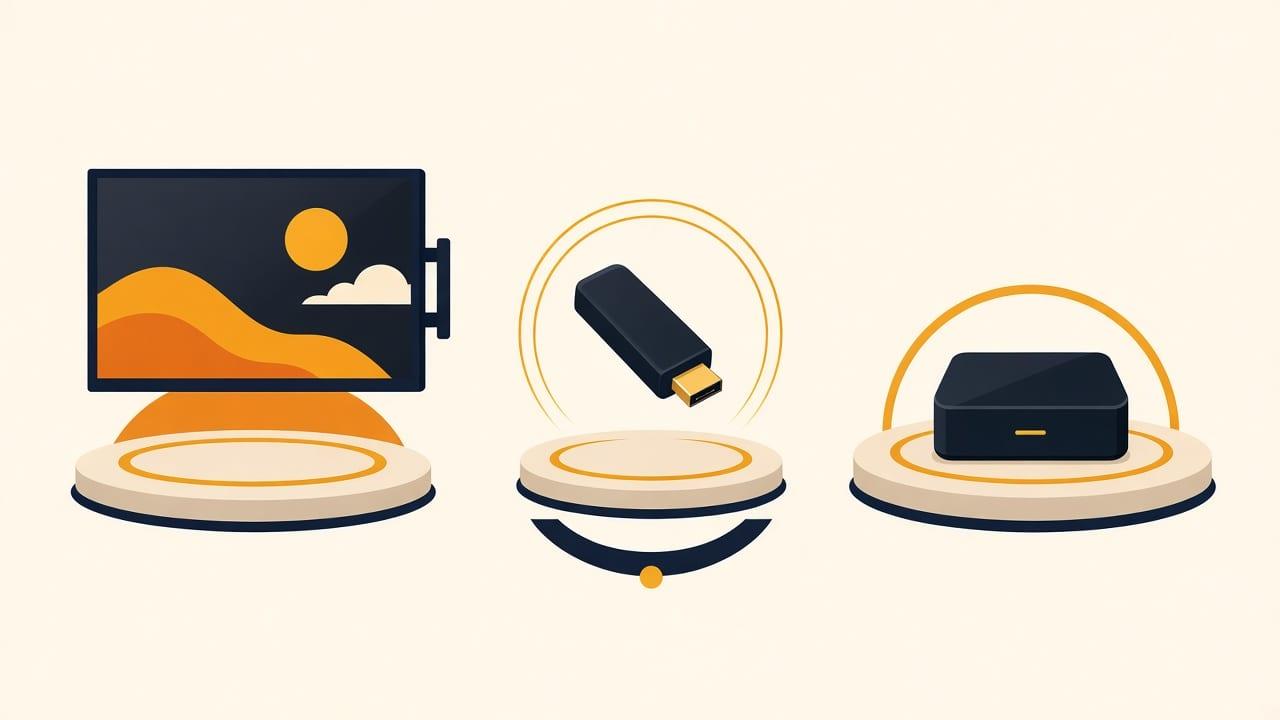
For Indian TV abroad: if the television is a recent Smart TV, try that first — it needs no extra hardware. If it is older, not smart, or unsupported, a Firestick is the cheapest reliable fix.
Read the guide 9 min read
What a Channel Count Actually Means
The catalogue the business reports is more than 20,000 live channels and more than 150,000 films and series. That is a size figure, not a named line-up.
Read the guide
Not sure Computer is right for you?
Tell us what you own and how you watch. We will point you at the cheapest thing that works, including telling you when you do not need to buy anything at all.
WhatsApp and Telegram: +971 52 434 6367. Ask us about a specific channel before you subscribe — we would rather tell you it is not carried than take your money.