
Indian TV on a Phone or Tablet
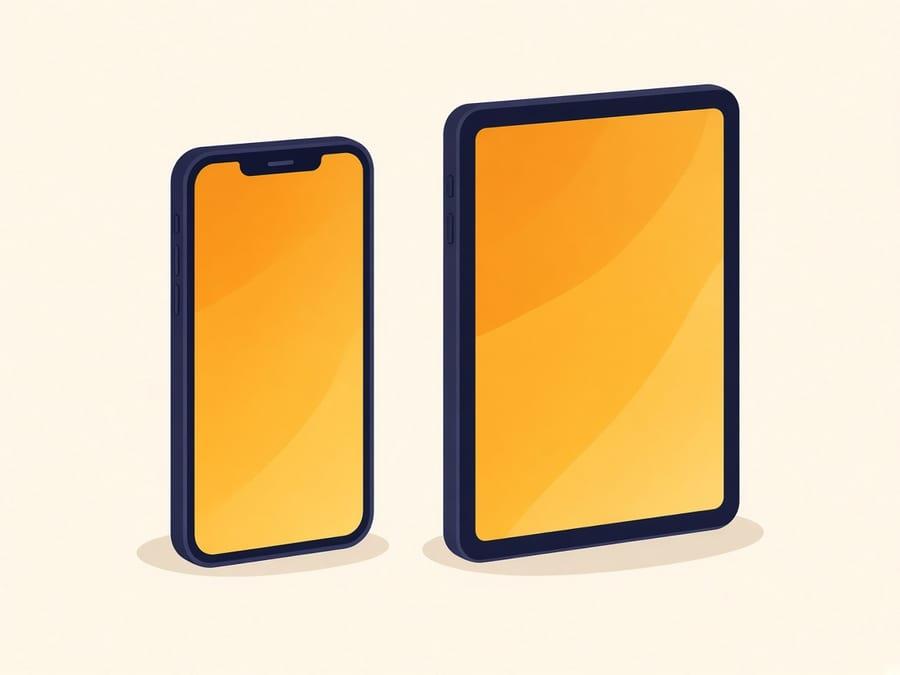
For a large share of Indian viewers abroad, a phone is not the backup option — it is the only one. Shared accommodation, shift work, student housing and fixed-term postings all point the same way. Mobile viewing works over Wi-Fi or mobile data, and lower stream qualities let you watch without exhausting a data allowance.
It is easy to design a television service around a family sitting in front of a large screen in the evening, and to treat phone viewing as an afterthought. That assumption leaves out a great many people. A construction worker in Sharjah sharing a room, an agricultural worker near Odemira, a student in Kraków with no television — for all of them the phone is the entire product.
Tablets sit in the same category and work the same way. We have not built a separate tablet page because there would be nothing different to say; everything here applies equally.
Lower stream quality is not a lesser product on a phone. On a six-inch screen the extra pixels are hard to see and the data cost is not. Start low on mobile data, raise it on Wi-Fi if you want to. Catch-up (eight hours every day) is how shift workers actually use the service — live is for news and sport when you happen to be free.
Good choice if
- Shared accommodation and labour housing where there is no television available
- Shift workers catching up on programmes at unpredictable hours
- Students and anyone in temporary or furnished housing
- Watching during a commute, a break, or in a room other than the one with the TV
Worth knowing first
- Streaming over mobile data consumes a meaningful amount of it. Use a lower stream quality and keep an eye on your plan.
- Live video is demanding on battery. For long viewing, stay plugged in.
- On a phone screen, the highest quality settings add little visible benefit but cost considerably more data.
- Public and shared Wi-Fi is often the cause of playback problems rather than the service itself.
Setup
Getting started on Mobile
We do not publish step-by-step configuration guides on public pages. The exact app and settings are issued with your account, and generic IPTV setup walkthroughs tend to end up serving unlicensed streams rather than customers.
- Step 1
Subscribe and we send your account details along with instructions for Android or iOS.
- Step 2
Install what we specify and sign in once.
- Step 3
Set the stream quality to suit your connection — lower settings are the sensible default on mobile data.
- Step 4
The same account works later on a television if your situation changes.
Plans
Same price on every device
6 Months
$76total for 6 months
Works out at $12.67 per month
A half-year subscription. A sensible way to start if you want to try the service across a full season of your regular shows before committing for longer.
Subscribe to 6 Months12 Months
$131total for 12 months
Works out at $10.92 per month
A full-year subscription at a lower effective monthly cost than the six-month plan. Suited to households that watch Indian television regularly all year.
Subscribe to 12 Months- Prices shown are the full amount for the whole plan length, not a monthly charge.
- Channel availability depends on what each broadcaster makes available in your region, and line-ups can change.
- The catalogue totals are what the business reports. Ask us about a specific channel before you subscribe and we will tell you whether it is carried.
Mobile questions
Can I watch Indian TV channels on my phone?
Yes, on Android phones and iPhones, over Wi-Fi or mobile data. For a large proportion of Indian viewers abroad this is the main way they use the service rather than a fallback.
How much mobile data does it use?
That depends entirely on the stream quality you select — lower settings use dramatically less. We cannot give you a precise figure per hour because it varies by channel and by setting, and we are not going to invent one. If you are on a limited plan, start at the lowest quality and work up.
Does it work on a tablet as well?
Yes, exactly the same way. Android tablets and iPads are both supported. There is no separate tablet plan or setup.
Can I switch from my phone to a TV later?
Yes. Your account is not tied to a device type. If you move into your own place and buy a television, you sign in there instead. If you need both at the same time, ask us first.
Can I watch on a phone during a commute and on a TV at home?
The account works on both. Whether two devices can play at the same time is a question we have not published a number for — message us with how you actually watch and we will answer for that situation rather than invent a simultaneous-stream figure.
More on watching on Mobile — including questions that need a longer answer — is on the frequently asked questions page and in the blog.
Reading
Related guides
Longer reading on choosing hardware and on the claims worth distrusting in this market.
 9 min read
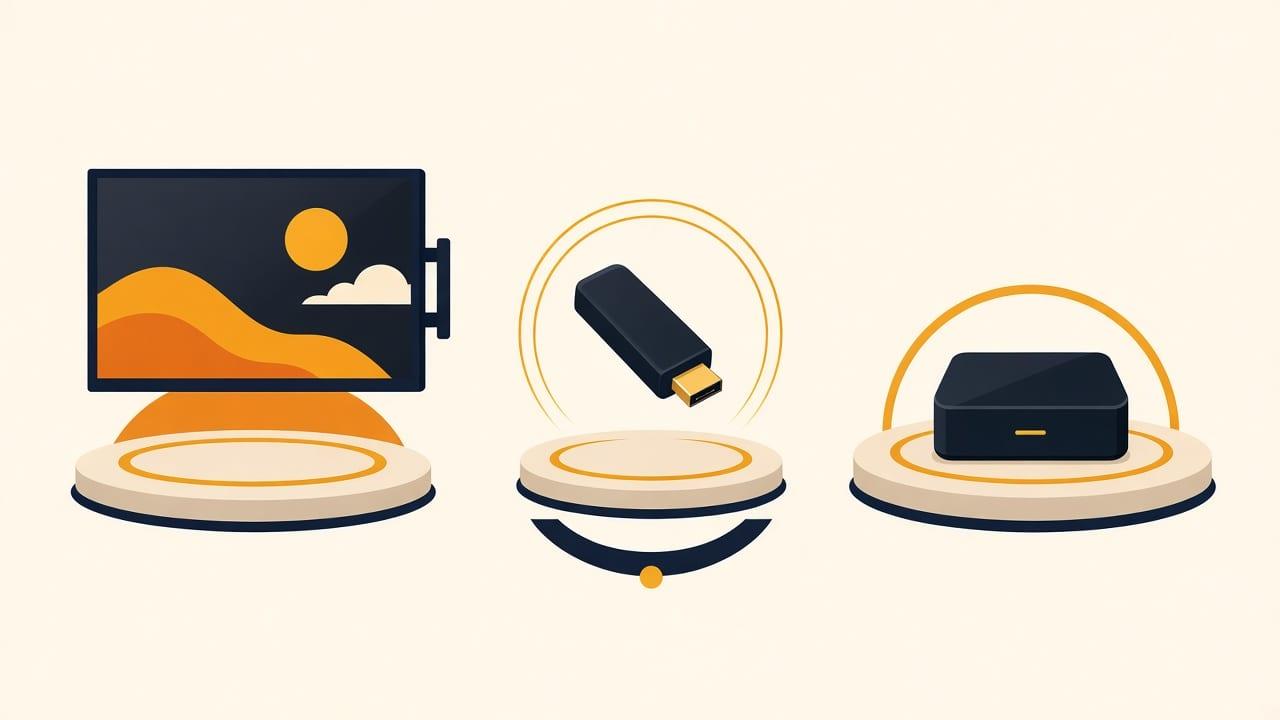
Smart TV, Firestick or Android TV: Which Should You Use?
For Indian TV abroad: if the television is a recent Smart TV, try that first — it needs no extra hardware. If it is older, not smart, or unsupported, a Firestick is the cheapest reliable fix.
Read the guide 9 min read
What a Channel Count Actually Means
The catalogue the business reports is more than 20,000 live channels and more than 150,000 films and series. That is a size figure, not a named line-up.
Read the guide
Not sure Mobile is right for you?
Tell us what you own and how you watch. We will point you at the cheapest thing that works, including telling you when you do not need to buy anything at all.
WhatsApp and Telegram: +971 52 434 6367. Ask us about a specific channel before you subscribe — we would rather tell you it is not carried than take your money.